Desk Posture Alignment: How to Set Up Your Workspace and Make Good Posture a Habit
3 min read · Updated November 15, 2026
Good posture isn't about forcing yourself bolt upright for eight hours. That never lasts. It's about setting up your desk so neutral alignment is the easy default, then building a habit of noticing and resetting when you drift. Here's the checklist and the habit system.
Our pick
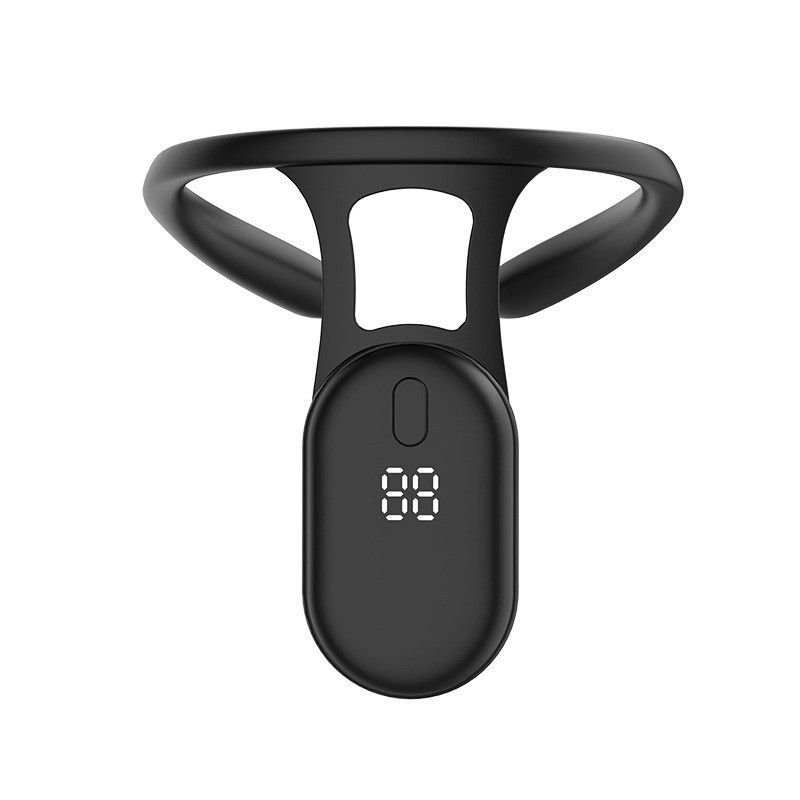
Upright Smart Posture Trainer · $42.95
A vibration reminder builds the noticing habit faster than anything else, because it tells you exactly when you drift.
What 'aligned' actually looks like
From the side, aim for your ear roughly over your shoulder and your shoulder roughly over your hip, with your lower back gently curved and supported. Your shoulders should be relaxed and slightly back, not pinned.
The best posture is your next posture. Even good alignment gets stiff if you hold it all day, so plan to move.
The 60-second desk checklist
- 1Monitor: top edge at or slightly below eye level, about an arm's length away. Center it in front of you.
- 2Chair: sit all the way back, lower back supported, hips level with or slightly above your knees.
- 3Feet: flat on the floor or a footrest, not tucked under the chair.
- 4Keyboard & mouse: close to you and at elbow height, elbows around 90° and relaxed at your sides.
- 5Laptop: on a stand with an external keyboard. A laptop on the desk forces your head down.
- 6Lighting: cut glare so you don't lean in to read the screen.
Build the noticing habit
You slouch because you're absorbed in your work, not because you don't know better. The habit to build is noticing. A gentle vibration reminder like the Upright Smart Posture Trainer taps you the moment you hunch forward, and its counter shows the reminders dropping as sitting tall becomes automatic.
- 1Week 1: wear it for 30 minutes a day during your most focused block.
- 2Week 2: extend to 1–2 hours.
- 3After that, use it whenever you notice old habits creeping back.
A tactile cue for rounded shoulders
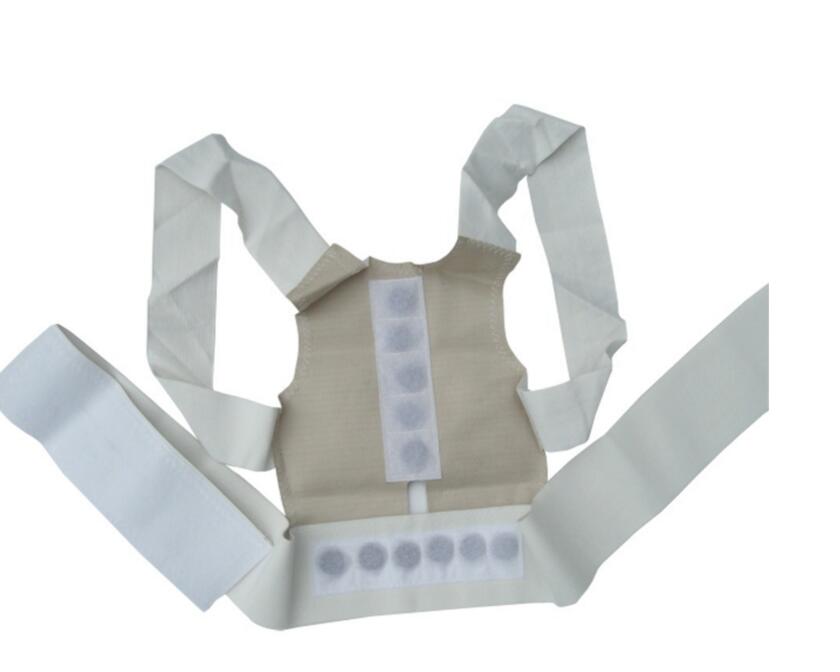
If your shoulders are what round forward, a light brace gives a constant physical cue rather than a buzz. The ShoulderBack Posture Support Brace gently draws your shoulders back. Wear it in short sessions of 20–30 minutes to build awareness rather than all day. The goal is to train the habit, not lean on the brace.
Undo the day
Even with a great setup you'll end the day a little rounded. A few minutes lying back over the ArchReset Neck & Back Stretcher, under the neck or lower back, moves you the opposite way to a day of sitting.
A note on expectations
Everything here is about comfort, habits and feeling looser at the end of the day. These are wellness tools, not medical devices. If you have pain that is sharp, persistent or getting worse, numbness or tingling down an arm or leg, or a known spine or joint condition, check in with a doctor or physical therapist before starting a new routine.
Shop this guide
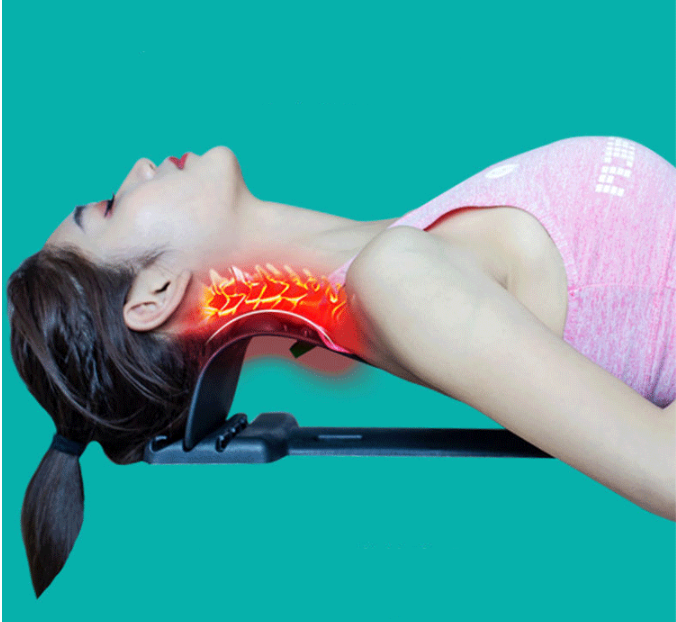
A curved, acupressure-textured stretcher for desk-day neck and lower-back resets
$44.95
FAQ
Keep reading
Tech Neck: A 10-Minute Desk-Day Reset You'll Actually Keep Doing
Stiff, forward-head 'tech neck' after long screen days? A simple desk setup fix, 4 micro-breaks and an evening reset routine that takes 10 minutes.
Upper Trap Knots From Desk Work: Why They Form and a Daily Release Routine
Tight knots between your neck and shoulders after desk days? Why upper traps get tense, 3 stretches and a 5-minute self-massage routine to loosen up.
Lower Back Stiff From Sitting All Day? A Desk Worker's Reset Routine
Lower back feels stiff after long days in a chair? How to sit better, 4 desk-friendly moves and a 10-minute evening routine to loosen up.
Unknot sells the products featured in this guide. Wellness and comfort products, not medical devices.